A free chore wheel printable for fair turns
This chore wheel has two circles: a large one for chores and a smaller one for names. Type both in, print the sheet and join the circles with a paper fastener. Turn the inner wheel each week, and each person moves on to a new job.
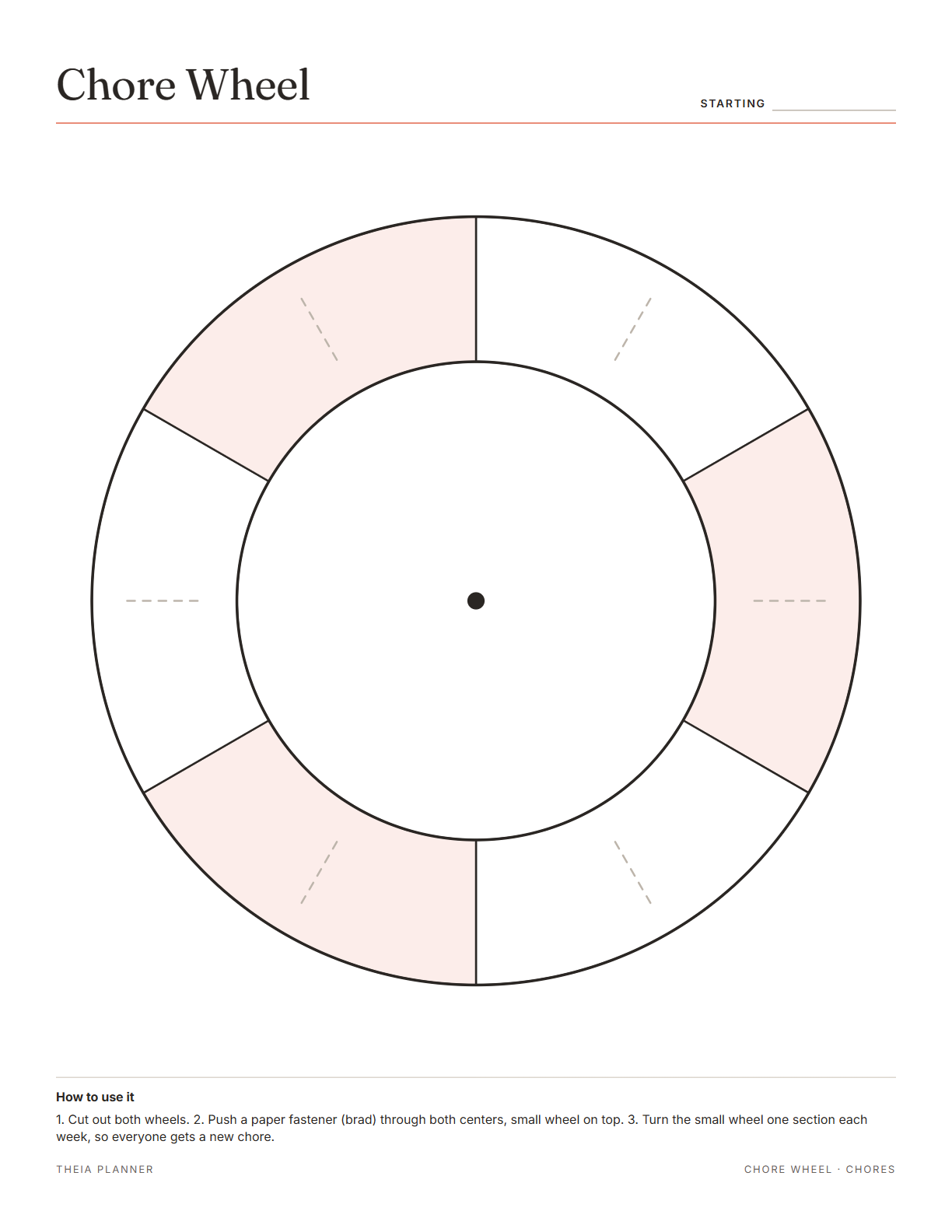
Free chore wheel printable
Pick your settings, type on the lines and tick the boxes, then print it or save it as a PDF. It is free, with no sign-up and no email.
What is on the printable chore wheel
How to make a DIY chore wheel
- Type the chores and namesChoose 3 to 8 sections, then type a chore and a name for each one. You can also leave them blank.
- Print, cut and joinPrint on card stock if you have it, since thicker paper turns more smoothly and lasts longer. Cut out both wheels, lay the small one on top and push a brad through both centers.
- Turn it each weekMove the small wheel one section on the same day each week. Each name now points at a new chore, and the old one passes to the next person.
The free online version, in action
How to make a chore wheel that feels fair
A wheel works when the jobs are clear and the turns happen on time. These tips cover the setup, fair sharing and the weekly turn. Most homes can put a wheel together in under half an hour.
Write down every shared job first, including small ones like refilling the soap. Then group small ones, so each section on the wheel is about the same amount of work.
Place a heavy chore next to a light one around the wheel. Over a full rotation, everyone does some of each.
Agree on a short rule for each chore, like dishes washed, dried and put away. Clear rules cut down on debates about how well a job was done.
Turn the wheel on the same day each week, such as Sunday evening. Give one person the job of turning it, or add turning the wheel as a chore of its own.
The fridge or the back of the kitchen door works well. A wheel that nobody sees tends to stay on the same week.
Young children can share a section with an adult or take a simple job. Our chores for kids by age page has ideas for each stage.
Reminders in your Google Calendar
Connect Google Calendar once, and these items are added to a separate “Theia Planner” calendar. Items with a time get a reminder 30 minutes before.
How calendar sync works- Your chore turns, on your own Google Calendar
- Reminders others in the space send you
- Family birthdays
- Family calendar items with a date
A chore rotation wheel for families and roommates
Children find their name on the wheel and read the chore it points to. Pictures next to each chore help kids who cannot read yet.
A neutral wheel settles who has the bathroom this week, with no debate.
A three-section wheel can rotate cooking, dishes and laundry each week.
Rotate classroom jobs or club duties with a wheel pinned to the wall. Turn it on the first day of each week.
Chore wheel app or paper wheel?
Each option works. The table below shows what each one does for you.
| Feature | Theia Planner | Free printable | Spreadsheet |
|---|---|---|---|
| Free to start | |||
| Set up for you in about a minute | |||
| Reminders on your phone | |||
| Dates and totals worked out for you | |||
| Works on phone and computer | |||
| Shared with family, with roles | |||
| A paper copy for the fridge |
Chore wheel questions
Is the chore wheel printable free?
Yes. You do not need an account or an email address. Type your chores on screen before printing, or grab the blank PDF in Letter or A4.
How do you make a DIY chore wheel?
Print the two wheels, cut them out and lay the small one on the large one. Push a brad, also called a paper fastener, through both centers.
How many chores can the chore wheel hold?
Each wheel has 3 to 8 sections, set in the settings panel. For more jobs, group small ones into a single section.
How often should we turn a chore rotation wheel?
Most homes turn it once a week. For daily jobs, like dishes, you can turn it every day instead.
Is there a chore wheel app?
Yes. A free family or roommate space has a chore rotation that hands each job on to someone new each week, or each day if you prefer. Members see their turns in Google Calendar once they connect it.
Can I print the wheel blank?
Yes. Leave the chore and name fields empty, and the wheels print blank for writing by hand.
Is my typed text saved?
Yes, in this browser only, until you press Clear. Nothing you type is sent to our servers.
What is the difference between a chore wheel and a chore chart?
A chore chart is a table you fill in by hand each week. A chore wheel does the rotation for you, since one turn moves every name to the next job.
More free planners and trackers

Start a free family space
It is free to start, and the setup takes about a minute.
Start free