Life gets busy. Your plan keeps up.
Theia Planner gives a dated plan for an exam, a move, money or family life in about a minute. Every date is sent to Google Calendar, and the phone gives a reminder on time.
A planner made for your own life
Most planning apps are made for teams and office projects. Theia Planner is made for one person and their family, as explained below.
Personal goals come first
Habits, health, money, study and family each have ready-made tools on the board. Users do not need to learn any team tools like sprints or tickets.
The planning is done for you
The user picks a situation and answers one or two questions. As per the answers, every step gets its own date.
Private and calm
Boards are private by default and the planner shows no ads. Missed items can be moved to Today with one tap
| Feature | Theia Planner | Work and team apps | Blank-page apps | Paper planner |
|---|---|---|---|---|
| Made for one person and their family | ||||
| Ready-made templates for an exam, a baby, a move or money | ||||
| Habits, health logs, bills and budgets built in | ||||
| Dated steps worked out from one date you enter | ||||
| Reminders on your phone through Google Calendar | ||||
| Ready in about a minute, with nothing to design | ||||
| A free printable version of every tool |
Grow a little every week
Users should pick one area to start with. Each area has free printables and a matching tool in the planner, details are given below.
Habits
Small habits are ticked every day and the streak keeps growing. The week grid shows every day you kept the habit, so one missed day is easy to see and fix.
Goals
The free goal setting worksheet turns a wish into a SMART goal with steps and weekly check-ins. The week can then be sorted as per priority.
Health
Mood, medication and workouts are kept on one board. Reminders come at the time chosen by the user.
Money
Spending, bills and debt payoff are tracked in one place. Every bill goes to the calendar with its due date.
Study
Study sessions are planned back from the test date. Assignments and the class schedule are also kept here.
Home and family
Chores are shared fairly with a rotation, and the family calendar stays in one place. Kids also get a star chart.
In this study, new habits took a median of 66 days to become automatic. Missing one day did not undo the progress.
Lally et al. (2010)Deciding when and where to act had a medium-to-large effect on reaching goals, as per this review.
Gollwitzer & Sheeran (2006)People who tracked their progress reached goals more often. The effect was stronger when progress was written down.
Harkin et al. (2016)People started work on goals more often at fresh starts, such as a new week, a new month or a birthday.
Dai, Milkman & Riis (2014)Everything with a date reaches your phone
Users can keep the calendar app they already use. The plan is added to a separate calendar, and the phone gives a reminder before timed items, bills, birthdays and other key dates.
- Connect onceSign in with Google and allow access, it takes only a few seconds.
- A separate calendar is createdThe new calendar is named “Theia Planner”. The user's own calendar is not changed.
- Your phone reminds youThe Google Calendar app on iPhone or Android gives an alert 30 minutes before each timed item.
The app can open only the “Theia Planner” calendar created by it. It cannot see any other calendar. How we use Google data
Start free and connectWhat goes to your calendar
Your plan is ready in about a minute
There is no blank page to design. The user answers one or two questions, and the planner works out the dates.
Pick your goal
Choose from 21 ready-made templates, such as an exam, a move, a new baby or a budget.
Answer a question or two
Mostly the question is a date, like the test day or moving day. All other dates are worked out from it
Follow today's list
Every morning the Today list shows what is due. Reminders come on the phone through Google Calendar.
Your first week with a plan
Most people do not need more willpower. They need fewer things to keep in mind, as shown below.
Before
- To-dos are split between memory, 2 apps and the fridge
- A bill or an appointment is missed every few weeks
- Only one person remembers whose turn it is
- A big goal looks too large to start
After
- One Today list for every part of life
- Bills and timed checkups reach the calendar with a reminder
- Chores rotate on their own and everyone can see them
- The big goal is broken into small steps with dates
Type on it, then print it
Every tool has a free printable in US Letter or A4. Users can type on the lines, tick the boxes and save it as PDF without any sign-up.
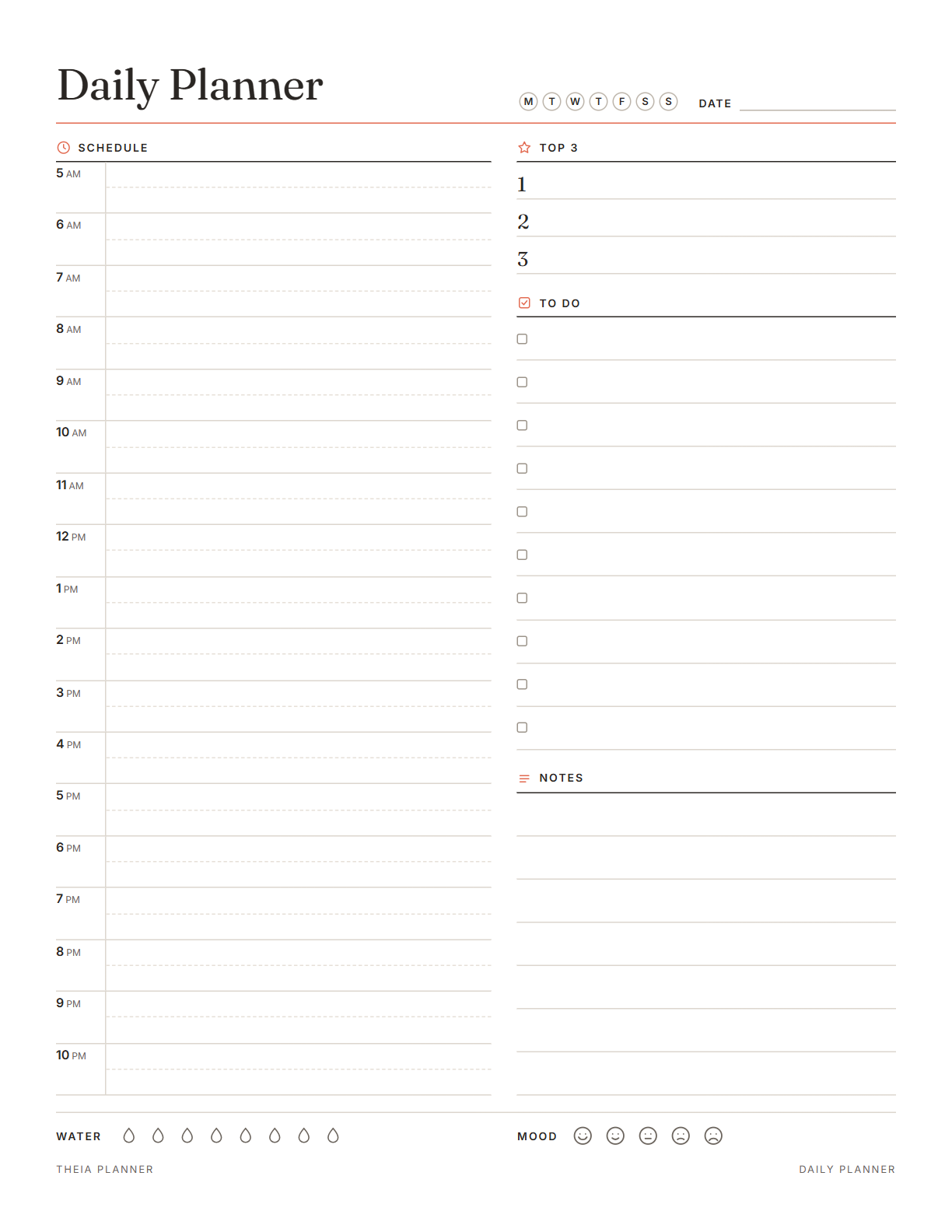 Daily planner
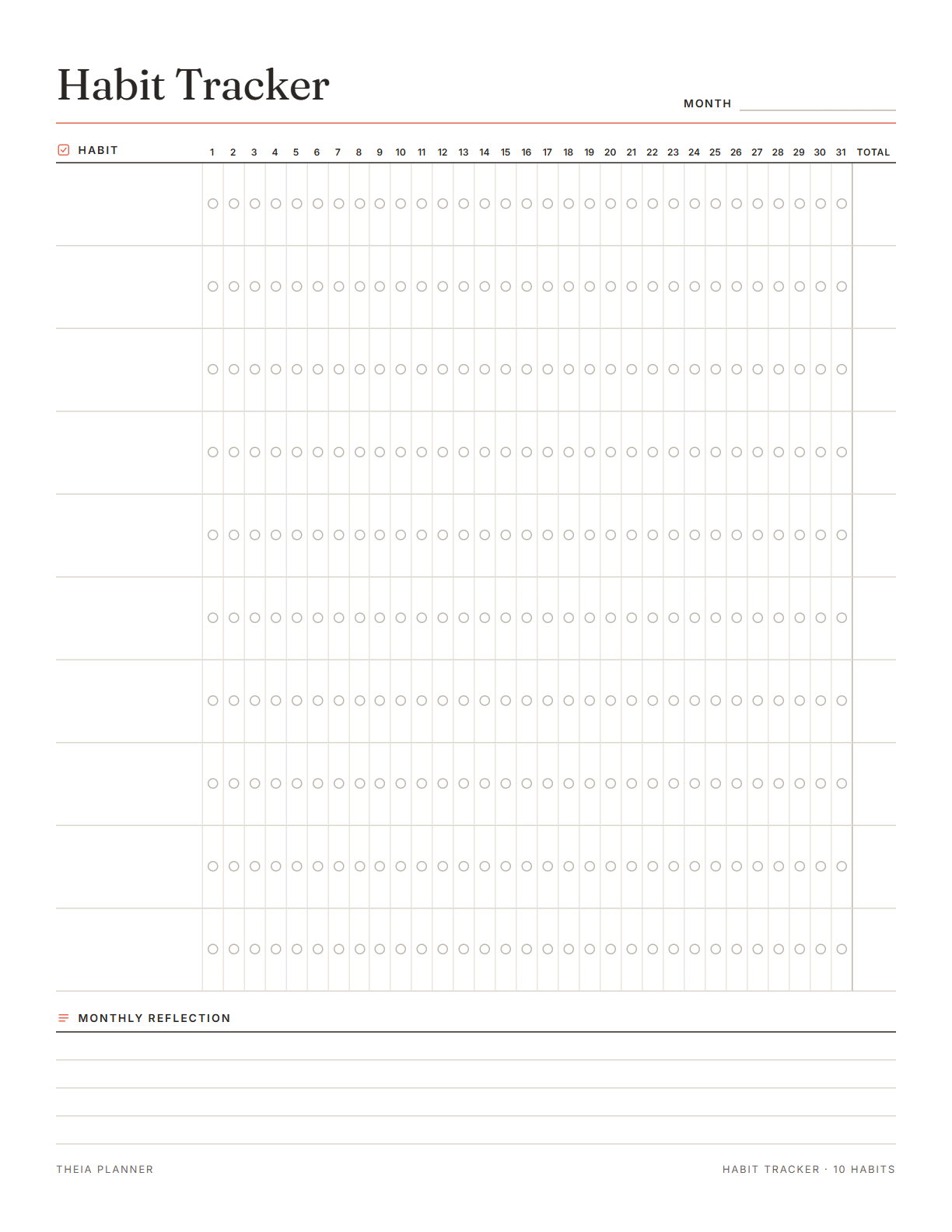 Habit tracker
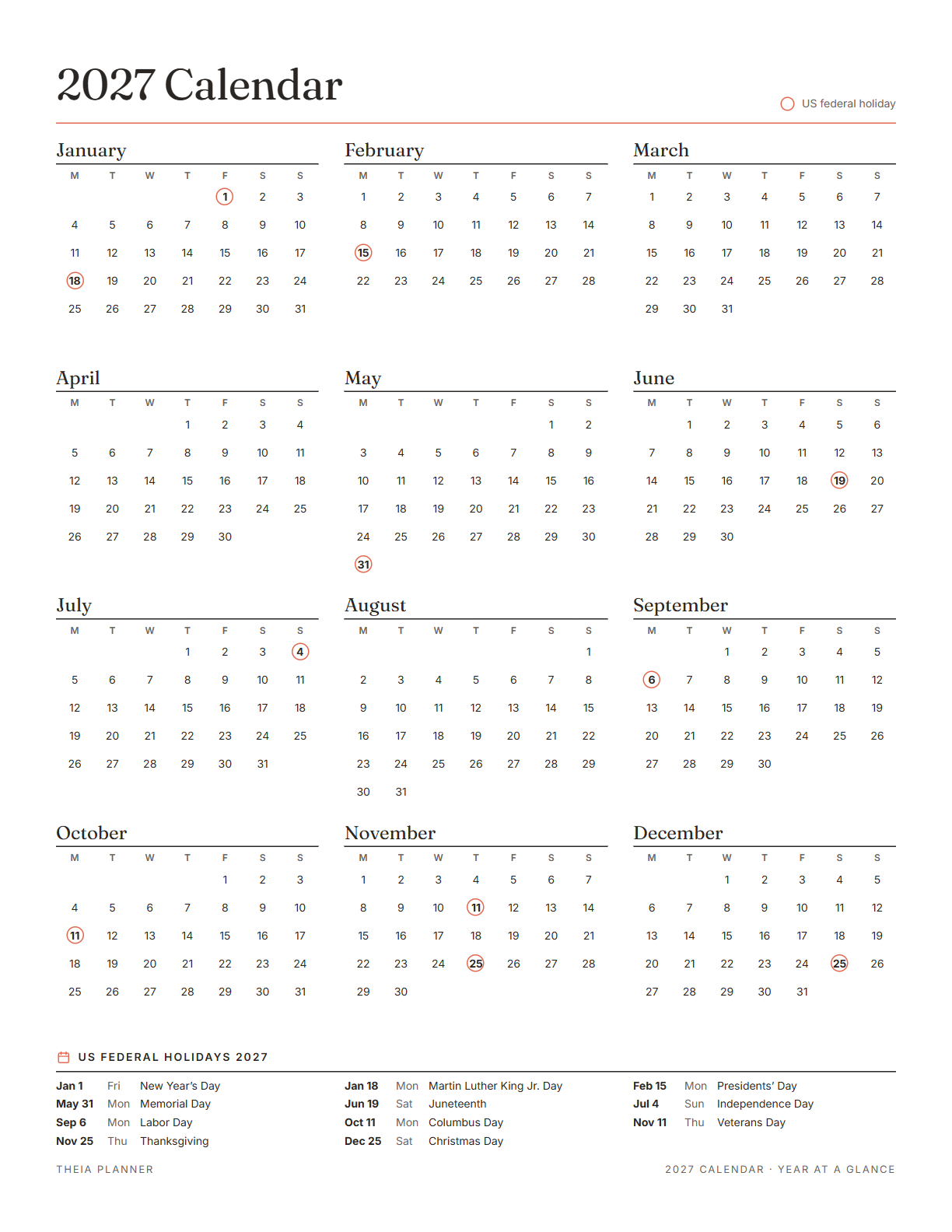 2027 calendar
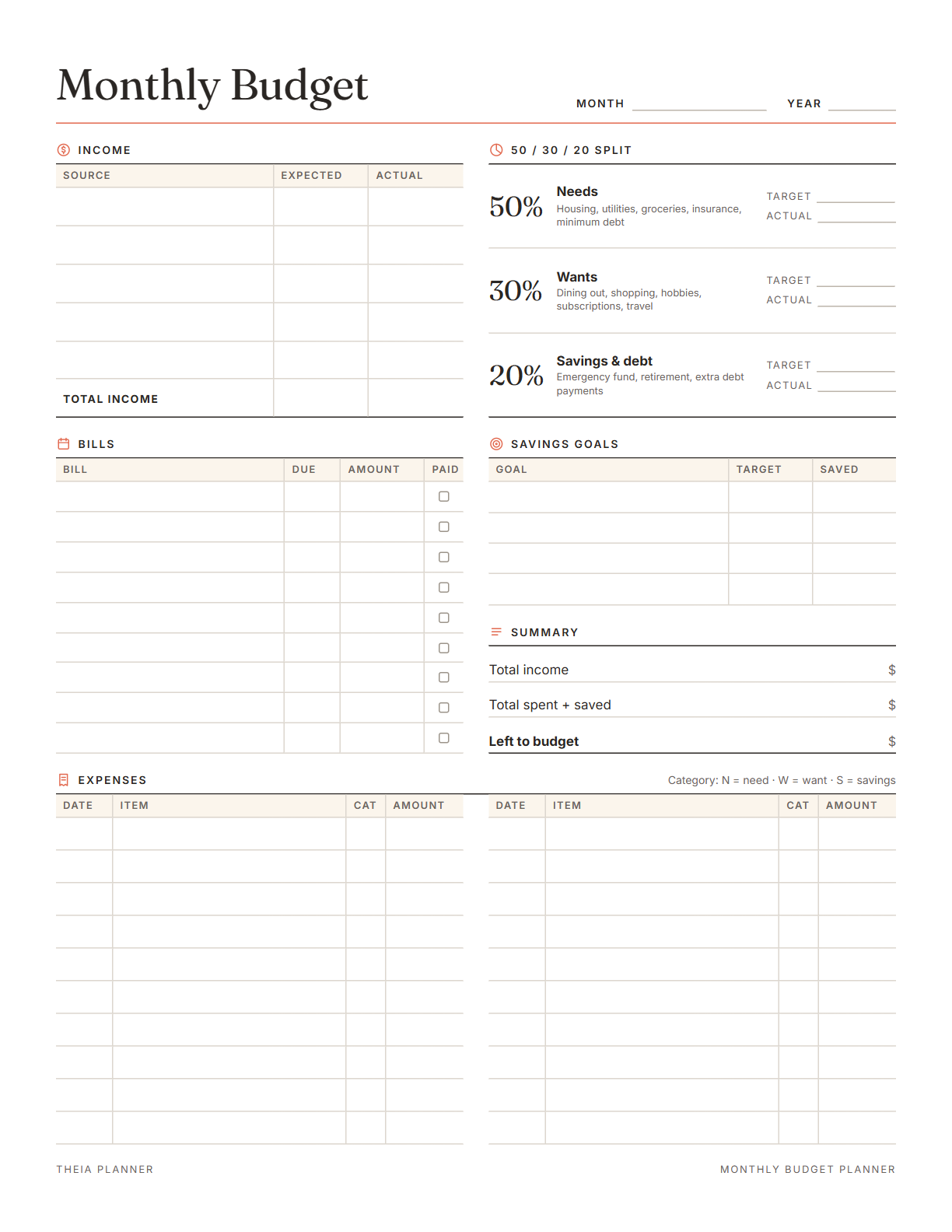 Monthly budget
New, and honest about it
Theia Planner is a new website, so no made-up reviews or user counts are shown here. The promises are given below.
Before you start
Is Theia Planner free?
Yes. The free plan has every template, tracker and phone reminder, with up to 3 boards at once. Every printable is free too. A paid Plus plan adds unlimited boards and bigger shared spaces, and no card is needed to start.
How is this different from Trello or Notion?
Trello is made for teams and projects, and Notion starts with a blank page that the user designs. Theia Planner is made for personal life. The user picks a situation, answers one or two questions and gets a plan with the dates already set.
How do the phone reminders work?
Google Calendar is connected only once. After that, the planner adds dated items to a separate calendar named “Theia Planner”. The Google Calendar app on iPhone or Android shows the reminders, and timed items give a reminder 30 minutes before.
What goes into my calendar?
Anything with a date or a time goes to the calendar. This includes dated and repeating tasks, bills, medication times and refills, workouts, birthdays, countdowns, trips, maintenance, savings goal dates, chore turns and family reminders.
Can the app see my other calendars?
No, it can open only the calendar created by it. It can be disconnected at any time from the Google Calendar menu in the app.
Who can see my plans?
Only the owner can see the boards, as boards are private by default. A shared space is visible only to the people invited to it.
Can I use it for work tasks too?
Yes, it can be used for personal work tasks. It is made for personal life, so team dashboards, sprints and tickets are not available.
Why is it called Theia Planner?
In Greek myth, Theia is the goddess of light and clear sight. She is the mother of Helios (the sun), Selene (the moon) and Eos (the dawn). People plan by days, months and mornings, so the name suits a planner that helps to see life clearly.
Can I print my plans?
Yes, the Print button in the planner prints the board on the screen. Free printable planners are also available, and they can be typed on before printing.
What do you want to work on?
Pick one goal and the plan is ready in about a minute. It is free, and reminders come on the phone.