Weekly planner printable in two layouts
Plan the whole week on one page with this free weekly planner printable. Choose a vertical layout with day columns or a horizontal one with day rows. Fill it in on screen, then print the page or store a PDF copy.
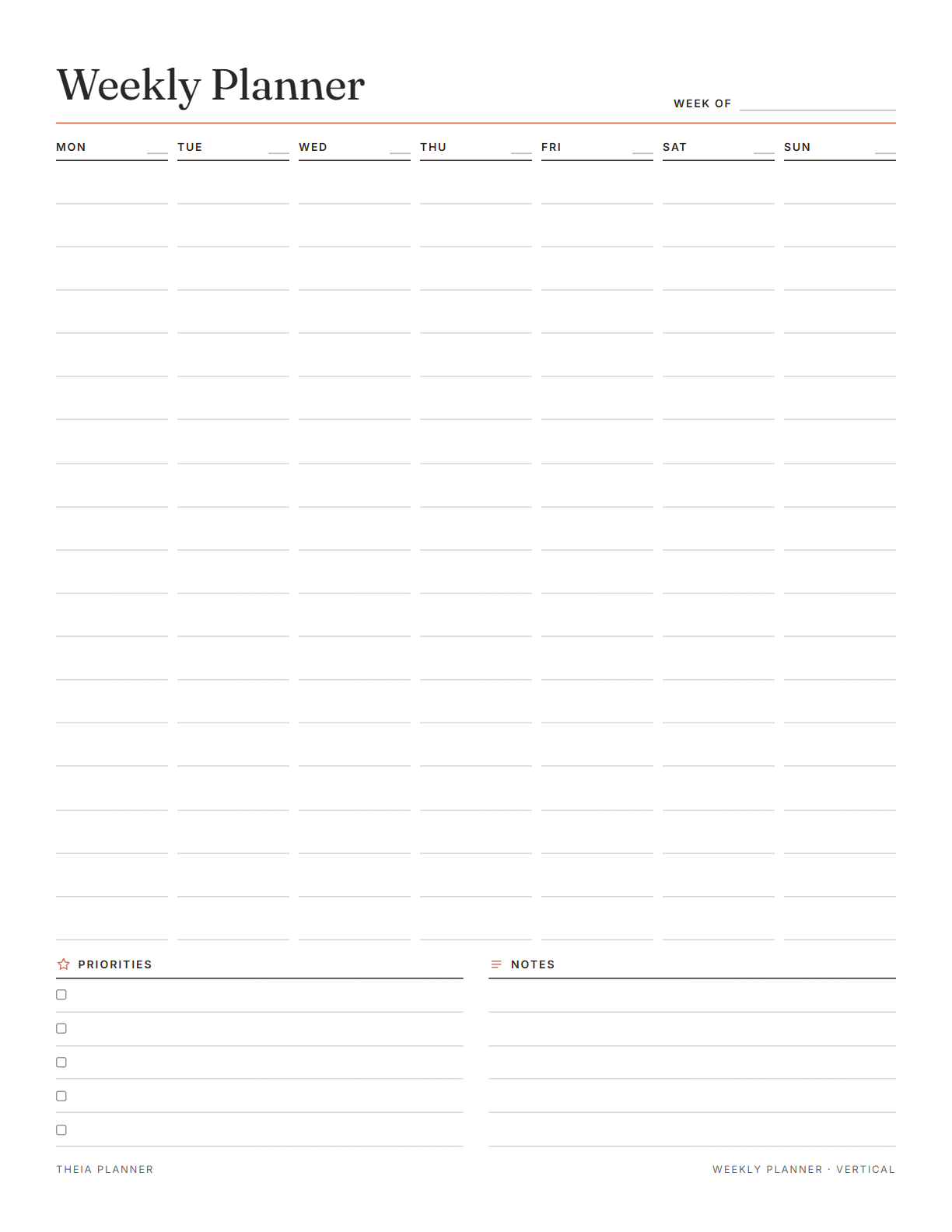
Free weekly planner printable you can edit
Pick your settings, type on the lines and tick the boxes, then print it or save it as a PDF. It is free, with no sign-up and no email.
What is on the weekly planner template
How to set up your weekly planner PDF
- Pick a layout and settingsChoose vertical or horizontal, then Letter or A4, an accent color and a Monday or Sunday start.
- Add the dates and your planType a week starting date if you want dated days. Then fill in priorities, appointments and tasks.
- Print or save the PDFOpen the print window with the print button, and choose Save as PDF if you want a file. Or download the blank PDF and write by hand.
The free online version, in action
How to plan your week on one page
A weekly plan gives each day a job before the week begins. Many people do it on Sunday evening or first thing Monday, in one short sitting of 15 to 30 minutes. With the week mapped out, it is easier to judge whether a new request fits.
A vertical weekly planner suits busy schedules, since each day has 18 lines for times and tasks. A horizontal weekly planner suits lighter weeks with a few tasks and notes per day.
Scan last week's page before you plan. Carry over open tasks that still matter, and let the rest go. Note anything that kept slipping, since it may need a fixed day.
Add appointments, classes, deadlines and events to their days. You can then see which days are full and which have space. Add travel time around appointments if it takes a real part of the day.
The vertical layout has five priority lines for the week. Choose outcomes you want done by the weekend, then give each one a day to start. Fewer priorities are fine in a week that is already full.
If one day holds far more than the others, move a task to a lighter day. A balanced week is easier to keep on track. Leave one evening fairly open for things that come up.
Put the page on your desk, the fridge or the front of a binder. Check it each morning and tick off what is done. A quick midweek look lets you move tasks before Friday gets crowded.
Reminders in your Google Calendar
Connect Google Calendar once, and these items are added to a separate “Theia Planner” calendar. Items with a time get a reminder 30 minutes before.
How calendar sync works- Every dated task, on its day of the week
- Weekly repeats, such as a Sunday planning session
- Tasks with a set time, plus a reminder 30 minutes earlier
- Your chore-rotation turns from a shared family space
Who uses a weekly planner
Write each person's activities on their days, and keep meal and errand notes in the notes box.
Map classes, due dates and study sessions for the week in the vertical layout.
List the week's priorities first, then give each day its meetings and main tasks.
Use the horizontal layout for a few key tasks each day, with space left for notes.
What the research says
New beginnings make it easier to start
People were more likely to work on their goals after a fresh-start date, such as a new week, a new month or a birthday.
Weekly planner printable, app or spreadsheet?
Each option works. The table below shows what each one does for you.
| Feature | Theia Planner | Free printable | Spreadsheet |
|---|---|---|---|
| Free to start | |||
| Set up for you in about a minute | |||
| Reminders on your phone | |||
| Dates and totals worked out for you | |||
| Works on phone and computer | |||
| Shared with family, with roles | |||
| A paper copy for the fridge |
Weekly planner questions
Is this weekly planner printable free?
Yes. Editing, printing and the blank PDF download are all free. Nobody asks you to sign up or give an email.
Can I get it as a weekly planner PDF?
Yes. Click Print or save as PDF, then choose Save as PDF as the destination. The blank download is for writing by hand, since it is not a fillable form.
Is there a weekly planner 2027 version?
Yes. Enter any week starting date in 2027, and the dates print next to each day. Leave the date empty for an undated weekly planner you can reuse.
What is the difference between a vertical and horizontal weekly planner?
A vertical planner shows the days as columns, with 18 lines each and a priorities list. A horizontal planner shows the days as rows across the page, with 4 lines each.
Can the week start on Sunday?
Yes. Choose a Monday or Sunday start, and the days on the sheet follow that order.
What size is the weekly planner template?
You can pick US Letter, the standard 8.5 by 11 inch size, or A4. One click switches between them before you print.
Does the weekly planner print well in black and white?
Yes. Only the accent color prints in color, and the rest of the page is black and gray. Pick from coral, sage, blue, plum or charcoal.
Is there an online weekly planner too?
Yes. The free online planner has a Week view with seven days side by side, starting on Monday. It also shows your habits for the week in a grid.
More free planners and trackers

Plan your week free online
It is free to start, and the setup takes about a minute.
Start free