A free class schedule maker for college and high school
Enter each class once with its days, start and end time, room and color. The class schedule maker draws the blocks on a Monday to Friday grid and fills in a class key below it. Print it, or keep a PDF copy on your phone.
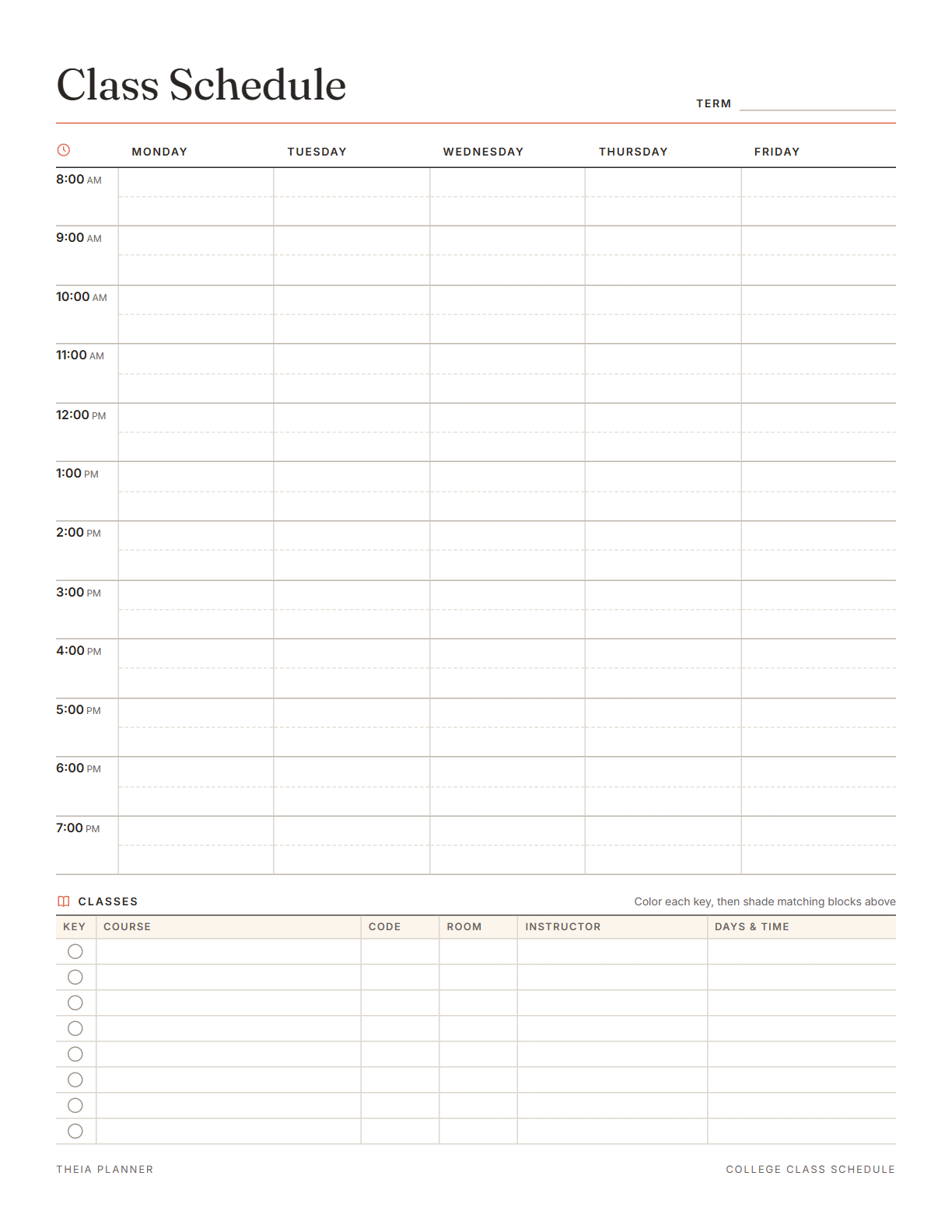
Free class schedule template to fill in and print
Pick your settings, type on the lines and tick the boxes, then print it or save it as a PDF. It is free, with no sign-up and no email.
What the class schedule maker does
How to make your class schedule
- Set up the gridChoose a start time of 7, 8 or 9am and a paper size. Edit the title, for example Spring 2027.
- Add your classesEnter each class with its days and times. The blocks appear on the grid and the key table fills in.
- Print or savePress Print or save as PDF. For a blank class schedule template, leave the classes out and write by hand.
The free online version, in action
How to build a weekly class schedule
A useful class schedule shows more than lecture times. These steps take you from your registration list to a full week you can follow.
Open your student portal and copy each course as it was registered. Note the section, the room and any separate lab or discussion times. Having the full list open keeps you from missing a class that meets only once a week.
Many colleges run classes on Monday, Wednesday and Friday, or on Tuesday and Thursday. Tuesday and Thursday sessions are often longer, so check each end time. Select all the days a class meets in one entry, and it fills every day in that pattern.
A lab or discussion section often meets at a different time than the lecture. Add it as its own class in the class schedule maker, with a matching color.
Look at where each room is on the campus map. If two back-to-back classes are far apart, plan your route before the first day. A short walk is fine, but a long one may mean picking another section next term.
Free hours between classes are good for reviewing the notes you just took. Write a study block into the gap and name the class it is for. In the online app, a study block can repeat every week with its own start time and length.
Save a PDF to your phone for the first weeks of the term. Print a copy for your desk or the front of a binder.
Reminders in your Google Calendar
Connect Google Calendar once, and these items are added to a separate “Theia Planner” calendar. Items with a time get a reminder 30 minutes before.
How calendar sync works- Assignments on their due dates
- Class meetings you add as weekly repeating tasks
- Timed classes with a reminder 30 minutes before
- Study blocks with their start time and length
A college class schedule and more
Lay out lectures, labs and discussion sections for the term, with rooms for the first week on campus.
Keep periods, rooms and teachers on one page. It helps most in the first weeks at a new school.
Once classes are on the grid, the free hours for shifts are easy to see and share with a manager.
Make one schedule for each child, in a different accent color, and post them where the family can see them.
What the research says
Specific plans are more likely to get done
A meta-analysis of 94 tests found that planning when and where to act had a medium-to-large effect on reaching goals.
Class schedule maker, paper or app?
Each option works. The table below shows what each one does for you.
| Feature | Theia Planner | Free printable | Spreadsheet |
|---|---|---|---|
| Free to start | |||
| Set up for you in about a minute | |||
| Reminders on your phone | |||
| Dates and totals worked out for you | |||
| Works on phone and computer | |||
| Shared with family, with roles | |||
| A paper copy for the fridge |
Class schedule maker questions
Is the class schedule maker free?
Yes. It needs no account and asks for no email. Adding classes, printing the grid and the blank PDF are all free.
Is this a free online schedule maker?
Yes. It works in the web browser on a computer, tablet or phone. Adding classes is easiest on a larger screen.
How many classes can the class schedule maker hold?
The class key holds up to 8 classes. Each class can meet on any mix of days from Monday to Friday.
Can I use it as a course schedule maker before I register?
Yes. Add the sections you are thinking about and look at the grid for classes that fall at the same time. Remove or change a section until the week fits.
Does it work as a college schedule maker for weekend classes?
No. The printable grid runs from Monday to Friday. In the online app, you can add a weekend class as a task that repeats every week.
Can I print a blank class schedule template?
Yes. Press Download blank PDF for an empty grid in Letter or A4. That file has no form fields, so fill it in with a pen or pencil.
Will my classes stay saved?
Yes, in this browser. They stay until you press Clear. Nothing is sent to our servers, so another device will not show them.
Can I get the class schedule in Word or Excel?
No. The class schedule maker has no Word, Excel or Google versions. You edit the grid in the browser, then print it or save a PDF.
More free planners and trackers

Plan your semester online, free
It is free to start, and the setup takes about a minute.
Start free