Hourly planner for time blocking your day
This hourly planner puts your plan and what really happened side by side, in 30-minute slots. Type your blocks on screen, then print them on Letter or A4 paper or keep a PDF copy. It is free and needs no sign-up.
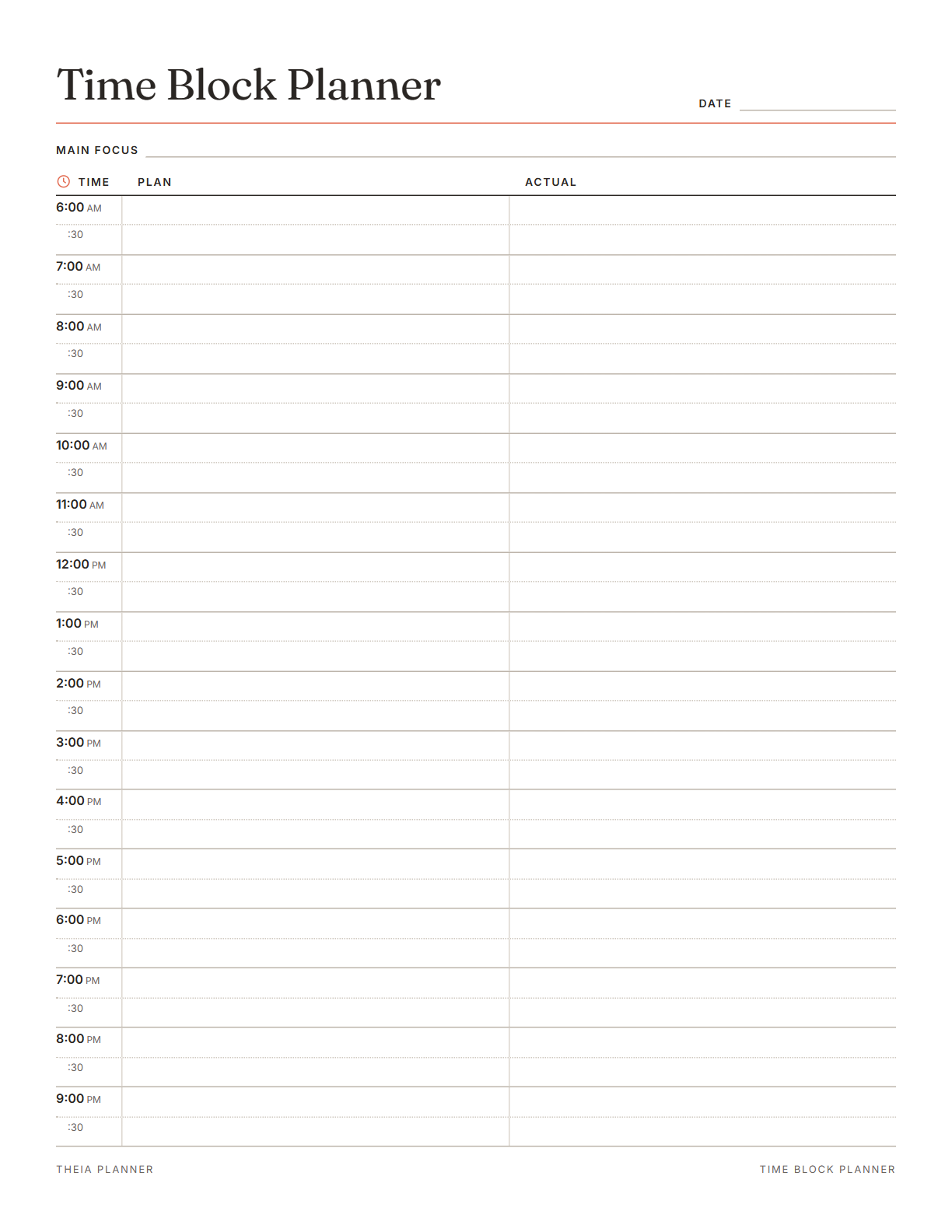
Free hourly schedule template to edit and print
Pick your settings, type on the lines and tick the boxes, then print it or save it as a PDF. It is free, with no sign-up and no email.
What is on the hourly planner template
How to set up a time block planner
- Set the start time and paper sizePick a start of 5, 6, 7 or 8am, then Letter or A4. Type your main focus and the date at the top.
- Block out the Plan columnType each task into the slots you expect it to take. Leave the Actual column empty for now.
- Print it or keep it on screenSend the sheet to your printer, or pick Save as PDF in the print window. Your text also stays in this browser, so you can add the Actual column later.
The free online version, in action
How to time block your day with an hourly planner
Time blocking means giving each task its own slot on the clock, so a list turns into a timed plan. On this sheet, the Plan column gives every half hour its own line. The Actual column then shows how the day really went.
Fill in work hours, classes, meals and travel first. What is left is the time you can really plan. On a busy day, that may be only two or three hours.
Many people focus better at one time of day than another. Put your hardest task in that block and keep meetings out of it. If you are not sure when that is, note your energy in the Actual column for a few days.
Group email, calls and quick errands into one or two half-hour slots. This keeps short jobs from breaking up your longer blocks. A batch near the end of the day also clears small jobs before tomorrow.
Leave 30 minutes free after a long task or meeting. The buffer takes up overruns, so the rest of the hourly schedule can still hold. If nothing runs late, use it for a break or a small task.
Write what you really did in each slot, even when it differs from the plan. Over a week, the gaps show which tasks you tend to underestimate.
Use today's real timings to plan the next day. If a report took two hours instead of one, give it two hours next time. Your plans get more realistic with each page you fill in.
Reminders in your Google Calendar
Connect Google Calendar once, and these items are added to a separate “Theia Planner” calendar. Items with a time get a reminder 30 minutes before.
How calendar sync works- Tasks with a start time, as blocks of their length
- Timed tasks with no length, as 30-minute events
- A popup 30 minutes before every timed block
- Repeating tasks, such as a daily planning slot
Who uses a daily hourly planner
Plan focused work, calls and breaks in half-hour slots when nobody else sets your hours.
Block study sessions around classes, then compare the plan with the time you really studied.
Use the Actual column as a simple record of where the hours went for each client.
Fit work, school pickup and dinner into one page of half-hour slots, with buffers between them.
What the research says
Specific plans are more likely to get done
A meta-analysis of 94 tests found that planning when and where to act had a medium-to-large effect on reaching goals.
Hourly planner on paper, online or in a spreadsheet?
Each option works. The table below shows what each one does for you.
| Feature | Theia Planner | Free printable | Spreadsheet |
|---|---|---|---|
| Free to start | |||
| Set up for you in about a minute | |||
| Reminders on your phone | |||
| Dates and totals worked out for you | |||
| Works on phone and computer | |||
| Shared with family, with roles | |||
| A paper copy for the fridge |
Hourly planner questions
Is this hourly planner free?
Yes. Filling it in, printing it and downloading it all cost nothing. No sign-up or email is needed.
What is a time block planner?
It is a planner where each task gets a set slot on the day's schedule. This sheet has 30-minute slots and a Plan column for your blocks.
What hours does the hourly planner cover?
It covers 16 hours in 30-minute slots. The page can start at 5, 6, 7 or 8am, so a 7am start runs to 11pm.
Can I edit the hourly schedule template?
Yes. Type on the sheet in your browser before you print. The downloaded blank file is meant for pen, so type here if you want typed text.
What size does it print?
It prints on standard US Letter paper or on A4. One click switches between the two sizes.
Can I use it as a daily hourly planner?
Yes. The sheet is undated, with a date line at the top. Press Clear to start a new day, or print several blank copies.
Is my plan saved if I close the page?
Yes, in this browser on this device. Your plan is not uploaded anywhere, and it stays until you press Clear.
Does the online app have an hour-by-hour view?
No. The online planner has Board, Week, Focus and Month views, and an hour-by-hour Day timeline is planned. For now, tasks with a time and length show as blocks in Google Calendar.
More free planners and trackers

Plan your tasks free online
It is free to start, and the setup takes about a minute.
Start free