A daily schedule for your routine, in words or pictures
Write your day as a list of times and steps, or turn it into picture cards for a child. This daily schedule starts blank or from a sample routine, and you can edit every line. When the routine looks right, print it on your home printer or keep a digital copy.
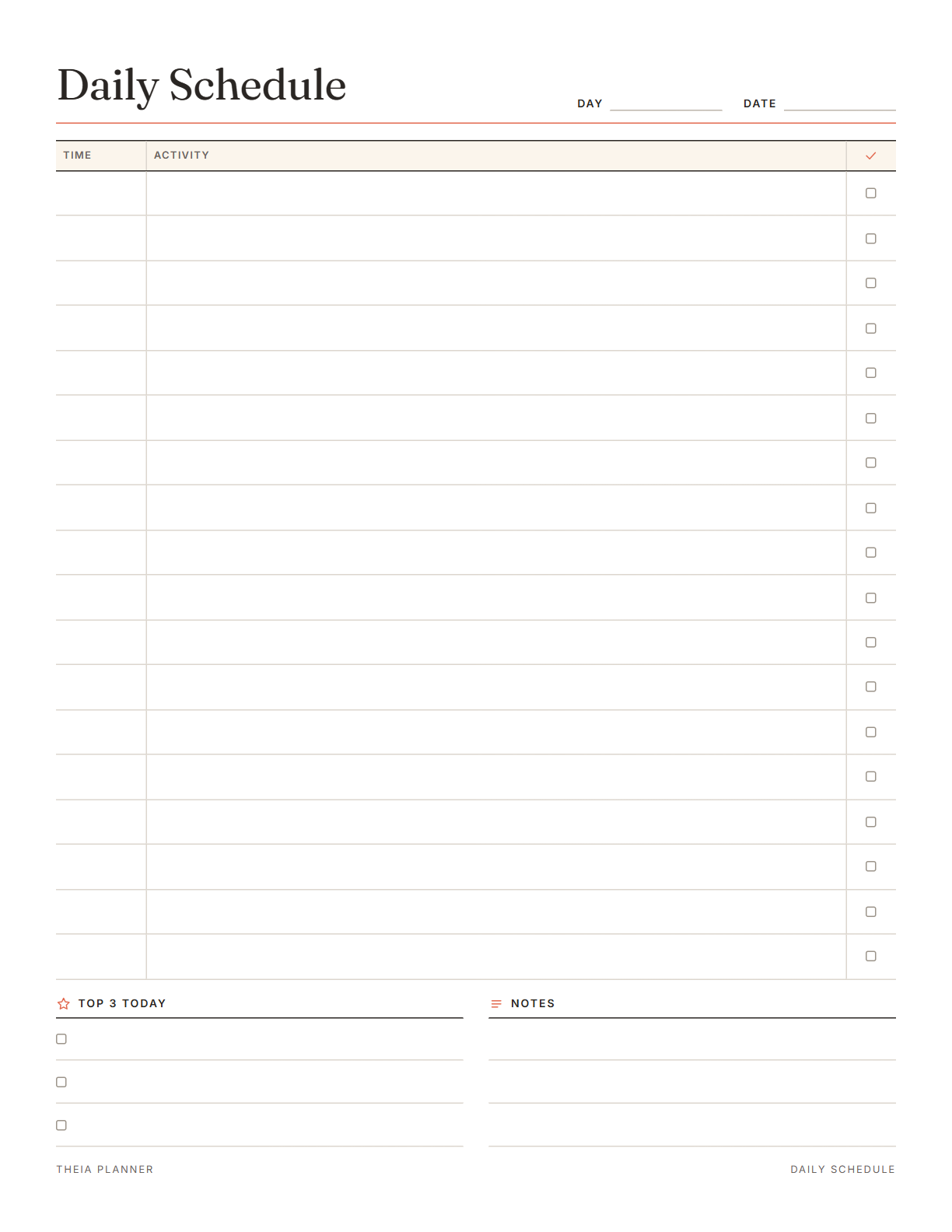
Free daily schedule printable to edit
Pick your settings, type on the lines and tick the boxes, then print it or save it as a PDF. It is free, with no sign-up and no email.
What is on the daily schedule template
How to make a daily routine schedule
- Pick a layoutChoose Time list for a written schedule, or Picture cards for a child's visual schedule.
- Start blank or from a sampleUse the Start from setting to load a sample routine. Then change the times and steps to fit your home.
- Print it and tick it offSend it to your printer, then tick each box or circle as the steps get done.
The free online version, in action
How to plan a routine you can follow
A routine is the order your day usually takes, from waking up to going to bed. Writing it down once saves you from working out the same steps every morning. These tips turn a loose routine into a page you can follow.
Write down the times that do not move, such as school drop-off, the start of work and dinner. Then fill in the steps that lead up to each one.
A routine is mostly about sequence, so put each step on its own line, like getting dressed before breakfast. For hour-by-hour time blocking, an hourly planner suits the job better.
Give each step the time it takes on an ordinary day. A 10-minute gap before leaving the house leaves room for a lost shoe or a slow start.
Families and teachers often use picture schedules to show young children the steps of a routine. Start with a few cards and add more once the routine is familiar. A ticked circle shows which steps are already done.
School days, weekends and workdays rarely follow the same order. Print a separate copy for each and write the kind of day on the Day line.
Note which steps keep running late or get skipped. Move or drop them, then print a fresh copy.
Reminders in your Google Calendar
Connect Google Calendar once, and these items are added to a separate “Theia Planner” calendar. Items with a time get a reminder 30 minutes before.
How calendar sync works- Routine steps with a time, as events of their length
- Steps set to repeat every day or every week
- A popup 30 minutes before each timed step
Who uses a daily schedule
Print the picture cards for mornings or bedtime and put them up at a child's eye level.
Lay out the class day as picture cards, from arrival to dismissal, and point to each one as it comes up.
Use the sample workday routine to set a start time, breaks and a clear end to the working day.
Leave a written daily routine schedule, so whoever is helping knows the usual order of the day.
What the research says
Specific plans are more likely to get done
A meta-analysis of 94 tests found that planning when and where to act had a medium-to-large effect on reaching goals.
Schedule planner on paper or online?
Each option works. The table below shows what each one does for you.
| Feature | Theia Planner | Free printable | Spreadsheet |
|---|---|---|---|
| Free to start | |||
| Set up for you in about a minute | |||
| Reminders on your phone | |||
| Dates and totals worked out for you | |||
| Works on phone and computer | |||
| Shared with family, with roles | |||
| A paper copy for the fridge |
Daily schedule questions
Is the daily schedule template free?
Yes. Type your routine, print it or download the blank PDF with both layouts, all without signing up.
What is a visual schedule template?
It is a schedule made of pictures, one for each step of a routine. Families and teachers often use them with young children. This sheet has 12 picture cards with a time and an activity on each.
Can I make a daily schedule for kids with my own pictures?
Yes. Blank cards have an empty box where you or your child can draw each step. The sample school-day routine already has a drawn picture on every card.
Can I cut the picture cards apart?
Yes. Print the page and cut along the card edges to move the steps around. You can also leave the page whole and tick each circle.
How is this different from an hourly planner?
This sheet lists the steps of a routine in order, with a time beside each. An hourly planner splits the day into fixed half-hour slots for time blocking.
Can I change the sample routine?
Yes. Every time and every activity in both samples can be edited on screen before you print.
Is there a schedule planner online?
Yes. In the free online planner, add tasks with a time and minutes, and set them to repeat every day or week. There is no hour-by-hour day view yet, but timed tasks show up in Google Calendar.
Is my daily schedule saved?
Yes, in this browser on this device. Nothing is sent to our servers, and pressing Clear empties the sheet.
More free planners and trackers

Plan your routine free online
It is free to start, and the setup takes about a minute.
Start free