A printable check register that does the math
Write each check, card payment and deposit on its own line in this printable check register. The Balance column keeps a running total as you type. Print the sheet for your checkbook, or keep a PDF copy.
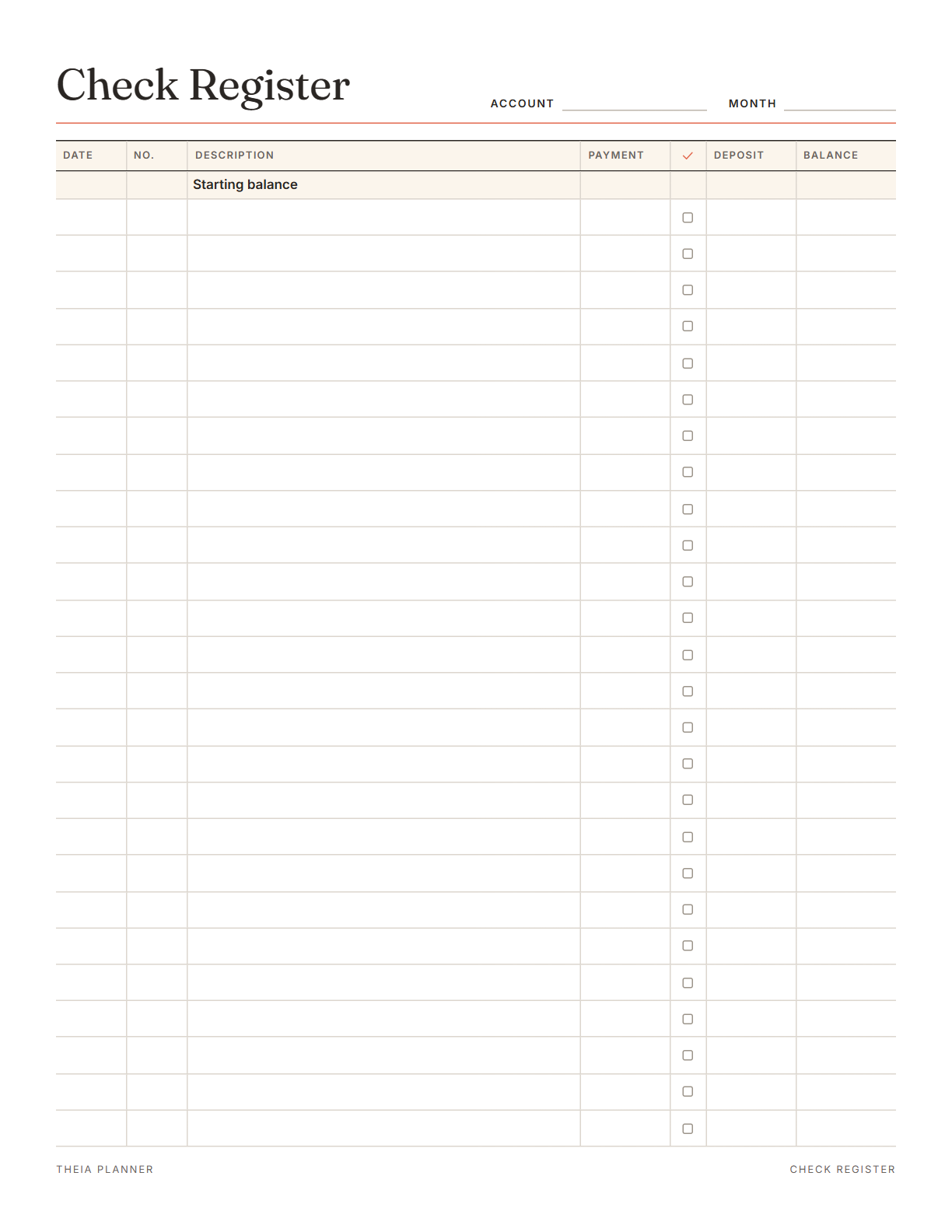
Free printable checkbook register
Pick your settings, type on the lines and tick the boxes, then print it or save it as a PDF. It is free, with no sign-up and no email.
What is on the printable check register
How to use a checkbook register
- Enter the starting balanceCopy the balance from your last statement or your bank's website onto the first line.
- Add every transactionLog checks, debit card purchases, ATM withdrawals, transfers and deposits on the day they happen. The balance updates with each line.
- Reconcile and printTick the cleared lines against your statement, then print the sheet or save it as a PDF.
The free online version, in action
How to balance a check register each month
A check register is a written log of money going into and out of a checking account. Kept up to date, it shows how much you can really spend. The tips below cover daily entries and the monthly check against your statement.
Log each check, card payment and withdrawal as soon as you make it. Include automatic payments and bank fees, because they leave the account too. A register that misses them shows more money than you have.
Write who you paid and what it was for, such as electric bill or pharmacy. Clear notes make the statement much easier to match later. For card payments, the store name is usually enough.
When a statement arrives, go down the register and tick each line that appears on it. Then add any fees or interest the bank listed that you missed. Do this within a few days of the statement, while the month is still fresh.
Take the bank's ending balance, subtract checks that have not cleared and add deposits still pending. The result should match the balance in your register.
Compare each amount line by line. Look for a missed entry, two swapped digits or a payment written in the deposit column. If the gap is still there, call your bank and ask about the line you cannot place.
Carry the final balance to the top of a fresh page. Keep old sheets with their statements in case you need to look something up.
Reminders in your Google Calendar
Connect Google Calendar once, and these items are added to a separate “Theia Planner” calendar. Items with a time get a reminder 30 minutes before.
How calendar sync works- Bills you add to the board, on their due days
- Monthly bills that repeat by themselves
- A repeating task, like a monthly statement check
Who still keeps a checkbook register
Keep one register next to the checkbook, so anyone who writes a check can log it.
The large print version is easier to read, and a paper register needs no password. A family member can help with the monthly check if needed.
Log checks to suppliers and deposits from customers, then match them to the bank each month. File each finished sheet with its statement.
Writing each deposit and payment by hand shows clearly how a balance goes up and down. It is a simple way to learn before using a banking app.
Check register on paper, in an app or at the bank?
Each option works. The table below shows what each one does for you.
| Feature | Theia Planner | Free printable | Spreadsheet |
|---|---|---|---|
| Free to start | |||
| Set up for you in about a minute | |||
| Reminders on your phone | |||
| Dates and totals worked out for you | |||
| Works on phone and computer | |||
| Shared with family, with roles | |||
| A paper copy for the fridge |
Printable check register questions
Is the printable check register free?
Yes. Fill in the register on screen, send it to your printer or save the blank PDF. You never need an account or an email address.
Does the check register free printable do the math?
Yes. On screen, the Balance column adds each deposit and subtracts each payment as you type. Enter a starting balance first.
Is there a large print check register?
Yes. Choose the large print setting for 18 rows instead of 26. It works on Letter and A4 paper.
What is the cleared column for?
It marks transactions your bank has processed. Tick the box when a line appears on your statement, which makes reconciling quicker.
Will the check register fit inside my checkbook?
No. It prints on a full US Letter or A4 page. Keep it in a folder or binder next to your checkbook.
Is my information sent anywhere?
No. Your entries stay in this browser, and pressing Clear removes them. Nothing goes to our servers, and the sheet does not connect to your bank.
How often should I update a checkbook register?
Write each entry the day you spend or deposit money. Then compare the whole sheet with your statement once a month, and tick what has cleared.
Does the online app have a check register?
No. The free expenses block logs spending by category against a monthly budget. It does not keep a running account balance.
More free planners and trackers

Track your spending free online
It is free to start, and the setup takes about a minute.
Start free